Shape & Dimensions
Adjust overall length, width, wheelbase, nose, tail, and the perimeter relationships that define the finished deck.
Useful for stock-shape comparison, modified perimeters, and new designs.Empire Deck Studio gives brands, builders, schools, and product developers a visual way to explore skateboard shapes, dimensions, wheelbases, concave, molds, and manufacturing choices before starting a quote or cutting tooling.
A skateboard design involves relationships between the perimeter, wheelbase, nose and tail lengths, kick transitions, concave, mold geometry, uncut size, and the way the deck will actually be manufactured. Deck Studio helps make those relationships visible.
The app is designed to make shape and mold conversations more concrete before production begins.
Adjust overall length, width, wheelbase, nose, tail, and the perimeter relationships that define the finished deck.
Useful for stock-shape comparison, modified perimeters, and new designs.Explore concave depth, center-flat relationships, kick angles, transition areas, rocker or camber, and other surface decisions.
Final manufacturing still requires suitable tooling and sample approval.Review the deck from different perspectives instead of relying on one overhead outline.
Helps connect the visible shape to the pressed uncut and production envelope.Build toward male and female mold geometry and understand how the deck surface relates to production tooling.
Export and manufacturing functions may depend on the account or selected workflow.Review designs against familiar dimensions, save shape information, and keep a clearer record of project decisions.
A saved design is more useful than dimensions scattered through an email thread.Use the design as a starting point for an Empire quote involving stock molds, new shapes, custom concaves, blanks, printing, or tooling.
The application helps define intent; the production quote defines what will actually be built.Deck Studio is most valuable when it reduces uncertainty before material, molds, fixtures, transfers, and production time are committed.
Deck Studio can support early exploration, classroom learning, product development, and serious manufacturing conversations.
Compare stock and custom directions before committing to samples, molds, graphics, and production quantities.
Visualize a deck and mold concept before cutting foam, MDF, wood, or another tooling material.
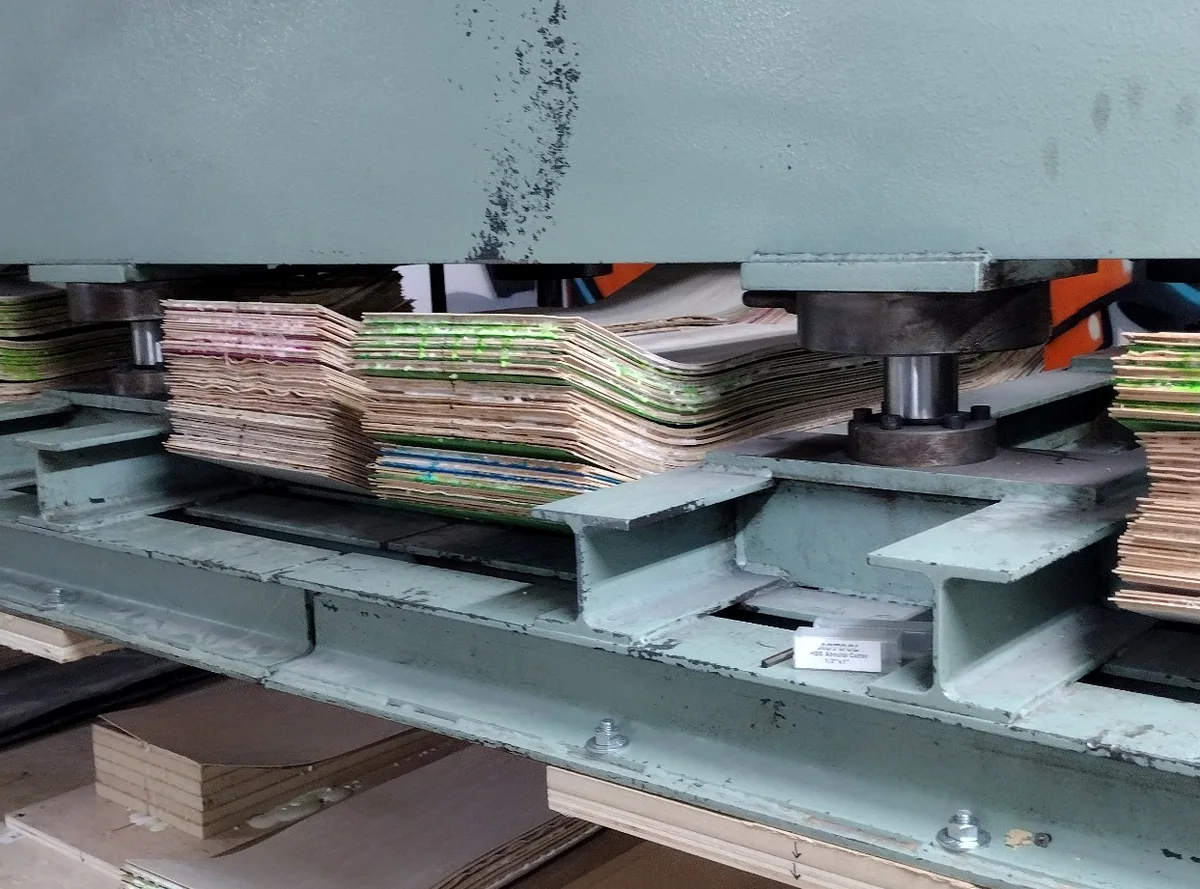
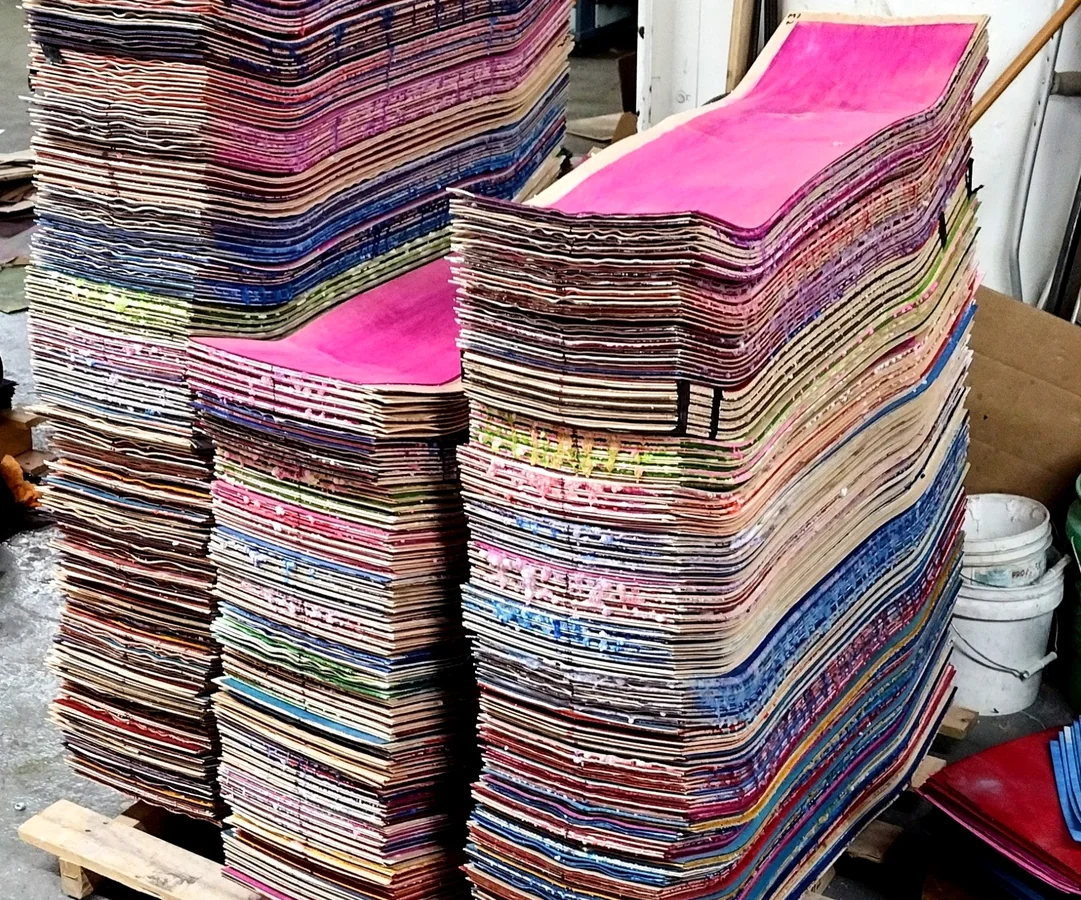
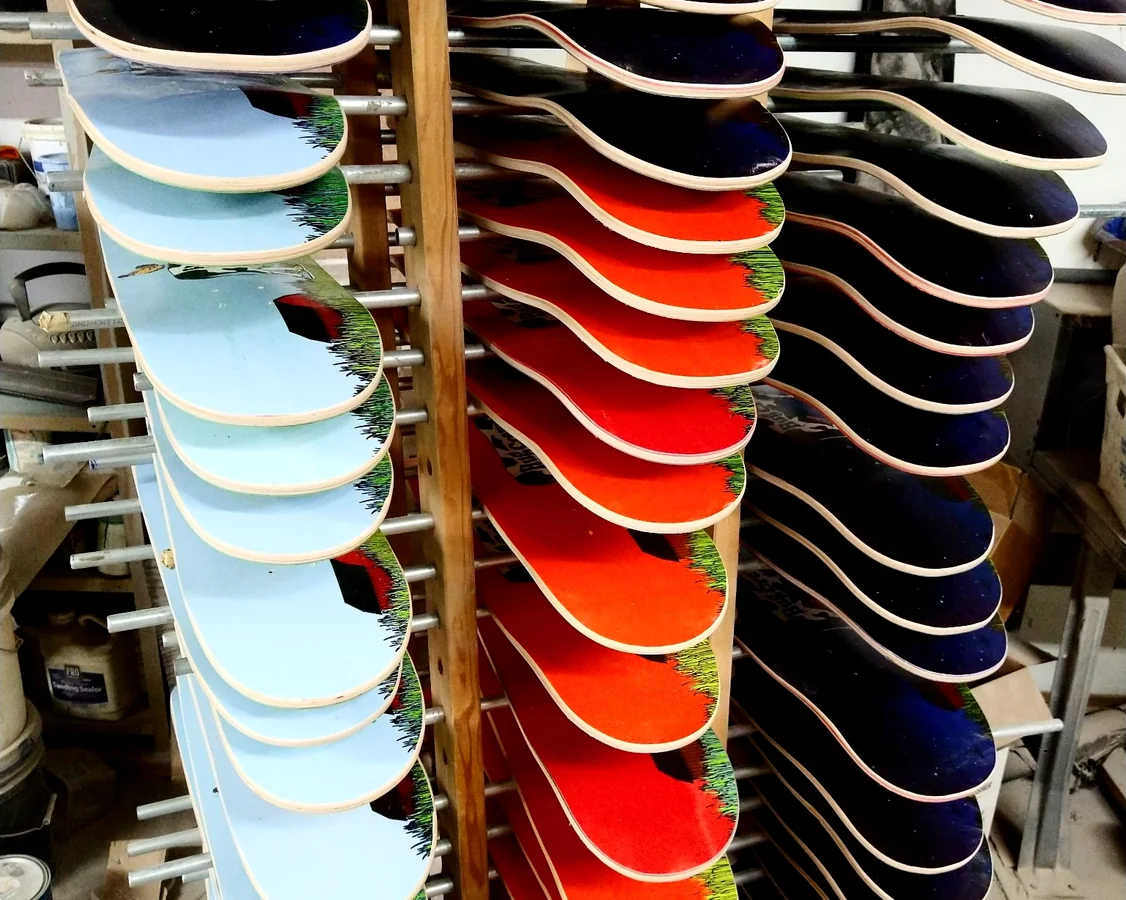
Connect dimensions and design choices to veneer layups, pressing, shaping, graphics, and product development.
Develop balance boards, unusual drilling patterns, special shapes, or nontraditional maple platforms with a more structured starting point.
A shape that fits an existing Empire mold is different from a proprietary perimeter, and both are different from a new concave requiring molds, fixtures, testing, and samples. Deck Studio helps reveal that difference earlier.
The design tool is useful because there is a physical next step. Once the geometry and project direction are clear, Empire can review mold compatibility, tooling, construction, samples, graphics, and a repeatable production plan.
It is a web-based design and planning application. Empire’s manufacturing service is separate and includes the production review, tooling, samples, construction, printing, and physical approvals required to make the deck.
Yes. The application can be used to explore and compare designs. Certain advanced exports or manufacturing-related functions may depend on the account, product, or workflow selected in the app.
No. A digital model helps define intent, but a new shape, concave, mold, transfer, or construction may still require physical sampling and approval before production.
Empire can review a physical sample for perimeter capture, comparison with existing molds, and a possible manufacturing plan. Reproducing the outside shape is different from reproducing proprietary concave geometry.
It can help define the target geometry and mold concept. The actual mold material, offsets, machining plan, dimensions, and production use must be confirmed in the mold or manufacturing quote.
Use Deck Studio for design and comparison, or carry the project into an Empire manufacturing quote for decks, molds, blanks, printing, or a complete production program.